
Registering your software on your computer (or a new computer) is now easier than ever. Just follow these 3 steps to get your software registered in 10 minutes.
Step 1
Step 2
If you already have the latest version of the software installed (3.8 v2422), you may skip this step.
- This version of the Bionetics software has the latest automated registration method.
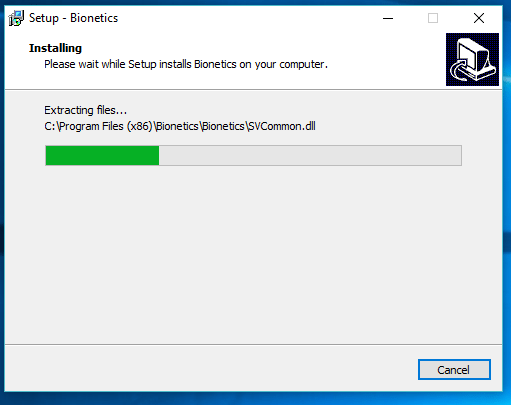
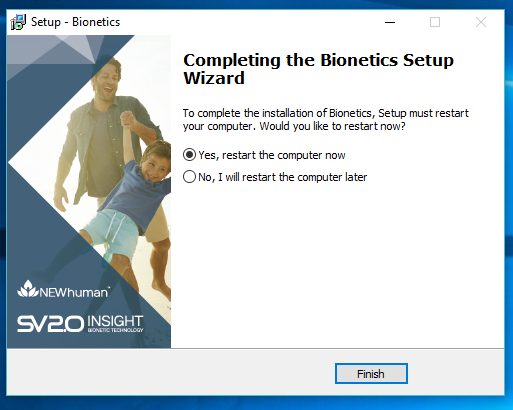
- Download and run the software; follow all prompts. Click accept, etc. If presented with a screen asking if you'd like to install from an "Unpublished developer", click "Run anyway."
Step 3
Sign in to your software.
- Open your software.

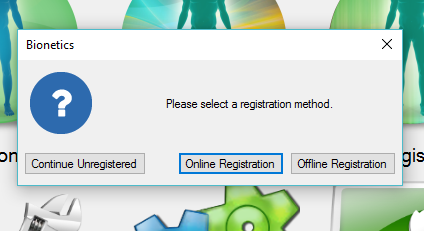
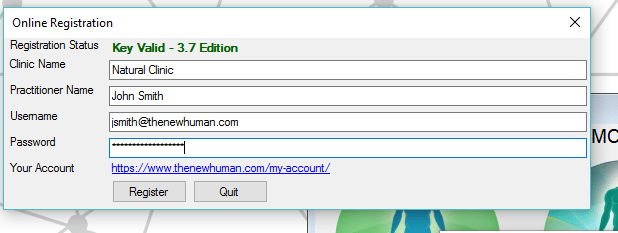
- If you haven't registered your software before, once you've accepted the terms you'll be presented with a screen that gives you 3 options: Online Registration, Offline Registration & Continue Offline. Select the option that say Online Registration.
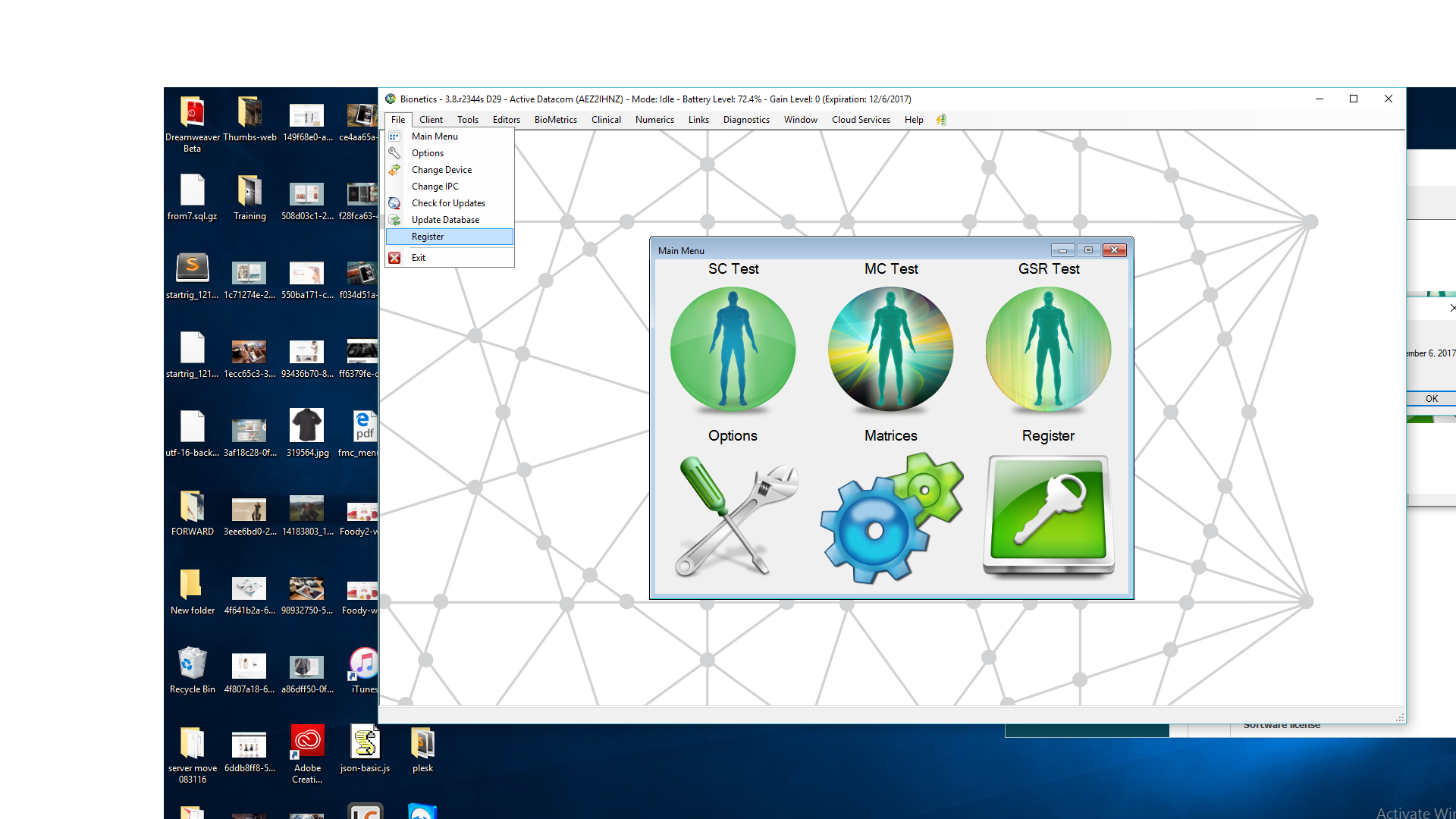
If you've registered before, you can simply look in the top left hand corner, click "File", then "Register".
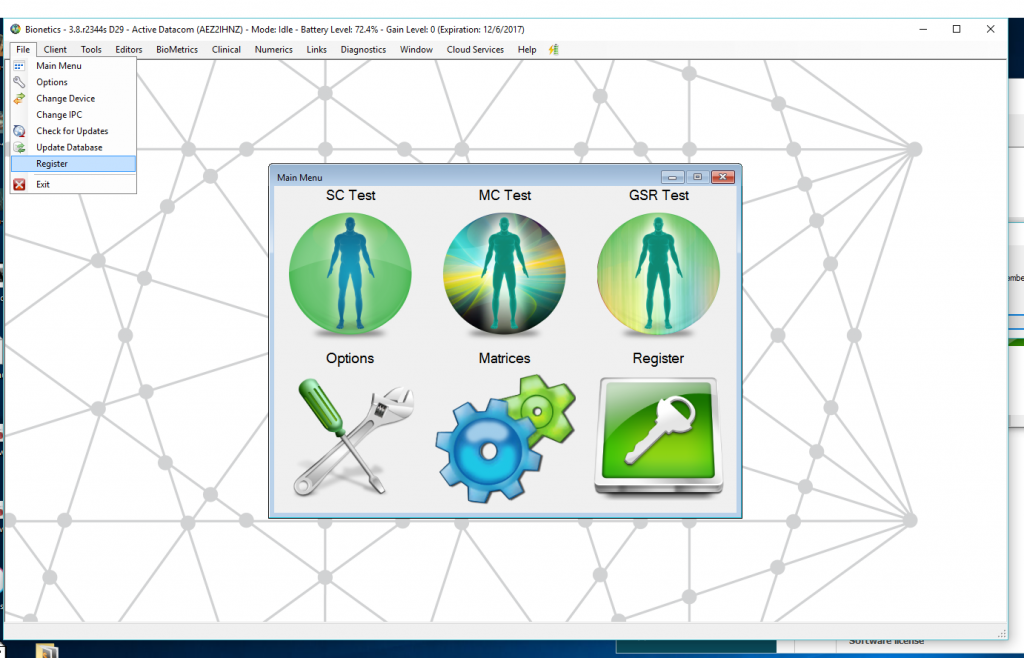
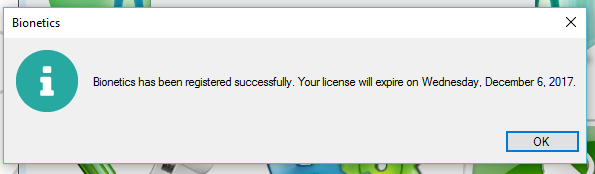
- Put in your email and password you use from from the website and your software will register automatically. You're all done!
Some things to check
- Make sure you purchase a key before registering OR ensure you've purchased an annual key month's previous.
- Please do not try to enter in a software key. This was required in the past, but we've made it very simple to just enter your email and password to register your software.
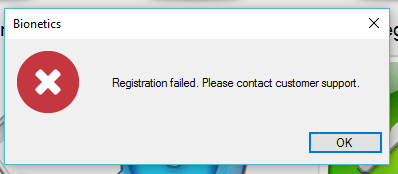
- Make sure when you enter your email and password, that they are correct or else you will get and error asking you to "contact customer support" which isn't necessary.
- You may register your software with 2 computers before having to purchase a new key that can be used for another 2 computers.
- This process will ONLY work for 3.8+ (95% of current practitioners). This process will not work for 2.86 users. Please follow these instructions if you need to register your 2.86 software.
- I have Bionetics already installed. Should I install this one? Yes - the link above has a very important update for registration allowing you to register easily.
- If you are having challenges installing or registering the software, please click the orange help button to submit a ticket. Our tech support will be in touch.
Comments
0 comments
Please sign in to leave a comment.